
Best Conversational AI Platforms in 2026

Conversational AI has moved from experimental to essential. Businesses of all sizes now use AI-powered voice, chat, and messaging agents to handle customer interactions, cut costs, and deliver consistent service around the clock.
Gartner predicts that by 2029, agentic AI will resolve 80% of common customer service issues without human involvement, reducing operational costs by 30%, so choosing the right platform now can position your business ahead of that curve.
Why You Can Trust GetVoIP + Our Research Methodology
We follow strict editorial guidelines and are committed to bringing you independently researched, practical information.
Unlike general software review sites, we specialize in business communications and AI-powered customer service tools. We signed up, configured, and actually used each platform on this list with real conversations and test scenarios.
We evaluated conversation quality, intent recognition, routing logic, setup time, reliability under load, analytics depth, pricing transparency, and compliance certifications. Our team tested voice, chat, and multi-channel capabilities across platforms targeting everything from solopreneurs to large contact centers.
In this guide, we compare and recommend the best conversational AI platforms for 2026, examining conversation quality, pricing models, and deployment readiness to help you select the right platform for your organization. The platforms covered span full-stack agent operating systems, voice-specialized solutions, omnichannel customer experience platforms, helpdesk-integrated tools, and developer-centric frameworks. We include options for small businesses, mid-market companies, and large organizations.
Who Made the Cut? Best Conversational AI Platforms
The following table summarizes the fourteen platforms evaluated in this guide.
| Provider | Pricing | Top Capabilities | Best For |
| Sierra | Outcome-based (custom) | Pay-per-resolution, no-code + developer tools | Large teams wanting pay-per-resolution pricing |
| Decagon | Per-conversation or per-resolution | Plain-language workflow builder, built-in testing | Teams wanting to write AI instructions in plain English |
| Regal.ai | Custom | Outbound calling, A/B testing, conversation intelligence | High-volume sales and support call centers |
| Retell AI | $0.07+/min (voice); $0.002+/msg (chat) | Transparent per-minute pricing, no platform fee | SMB and developer-led deployments |
| PolyAI | Per-minute (custom rates) | Proprietary speech recognition, 75+ languages | Multilingual voice customer service |
| Ada | Usage-based (custom) | Multi-LLM reasoning, 80%+ automation rates | High-volume support automation |
| Fin.ai | $0.99/resolution + platform fees | ast deployment, per-resolution pricing | Teams already on Intercom, Zendesk, or Salesforce |
| Cognigy | Custom | Real-time agent coaching, proven at scale | Large contact centers with human agents |
| Observe.AI | Custom | Conversation analytics, performance insights | Contact centers focused on performance insights |
| Rasa | Open-source free; paid tiers custom | Open-source, on-premise option, full developer control | Brands prioritizing customer relationships |
| Gladly | Custom | Unified customer history, LTV-focused | Relationship-driven CX |
| Assembled | Custom | Human + AI workforce management in one platform | Teams managing human and AI agents together |
| Yellow.ai | Freemium (5K conversations free); Premium custom | 150+ integrations, freemium tier | Fast deployment with existing business tools |
| Synthflow.ai | Free to start; $20/concurrency; custom plans | In-house telephony, bring-your-own-carrier | Voice teams wanting telephony control |
Note: Most vendors require direct engagement for exact pricing.
The Best Conversational AI Platforms for 2026
We tested fourteen conversational AI platforms across different categories: full-stack agent systems, voice specialists, omnichannel customer experience tools, helpdesk-integrated solutions, and developer frameworks.
Below, we provide an in-depth look at each platform, covering pricing models, standout capabilities, setup requirements, and which types of businesses they're best suited for.
The top conversational AI platforms are:
Sierra
Best for: Large teams that want outcome-based pricing where you pay per resolved conversation, not per minute
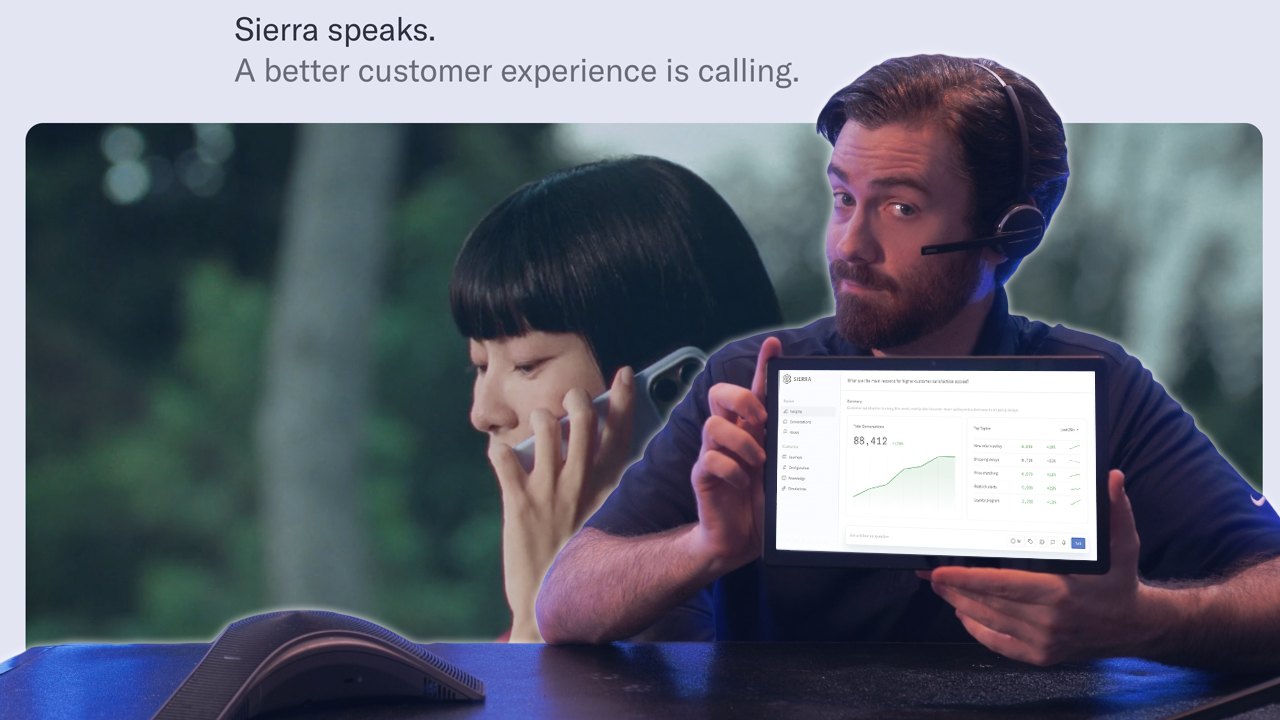
Sierra operates as a full Agent OS, giving businesses the tools to build and run AI agents across voice, chat, SMS, and email from a single platform. The no-code Agent Studio works well for business users, while the Agent SDK gives developers room to build more complex implementations.
What sets Sierra apart is its outcome-based pricing. Instead of paying per minute or per interaction, you pay when conversations are fully resolved. This aligns incentives in a way most competitors don't offer. The platform also takes compliance seriously, holding SOC 2, HIPAA, GDPR, and ISO 42001 certifications.
Case studies back up the platform's capabilities. Ramp reports 90% case resolution rates using Sierra's Agent SDK.
What We Like
- Outcome-based pricing: You pay for resolved conversations, not just interactions, which reduces the risk of paying for unsuccessful calls.
- Flexible tooling: No-code and developer options let teams build at their own technical level.
- Strong compliance posture: SOC 2, HIPAA, GDPR, and ISO 42001 certifications cover most regulated industry requirements.
- Live Assist module: Provides real-time guidance for human agents during hybrid workflows.
What We Don't Like
- Resolution measurement complexity: Defining what counts as "resolved" can get tricky and may lead to disputes.
- Platform complexity: May be more than smaller teams need for straightforward automation.
- Steeper learning curve: The breadth of features takes time to master.
Pricing
Sierra uses outcome-based pricing where you pay when conversations are fully resolved. Specific rates aren't published and require direct engagement with their sales team.
Decagon
Best for: Mid-size and large organizations seeking flexible CX automation with transparent, customizable workflows
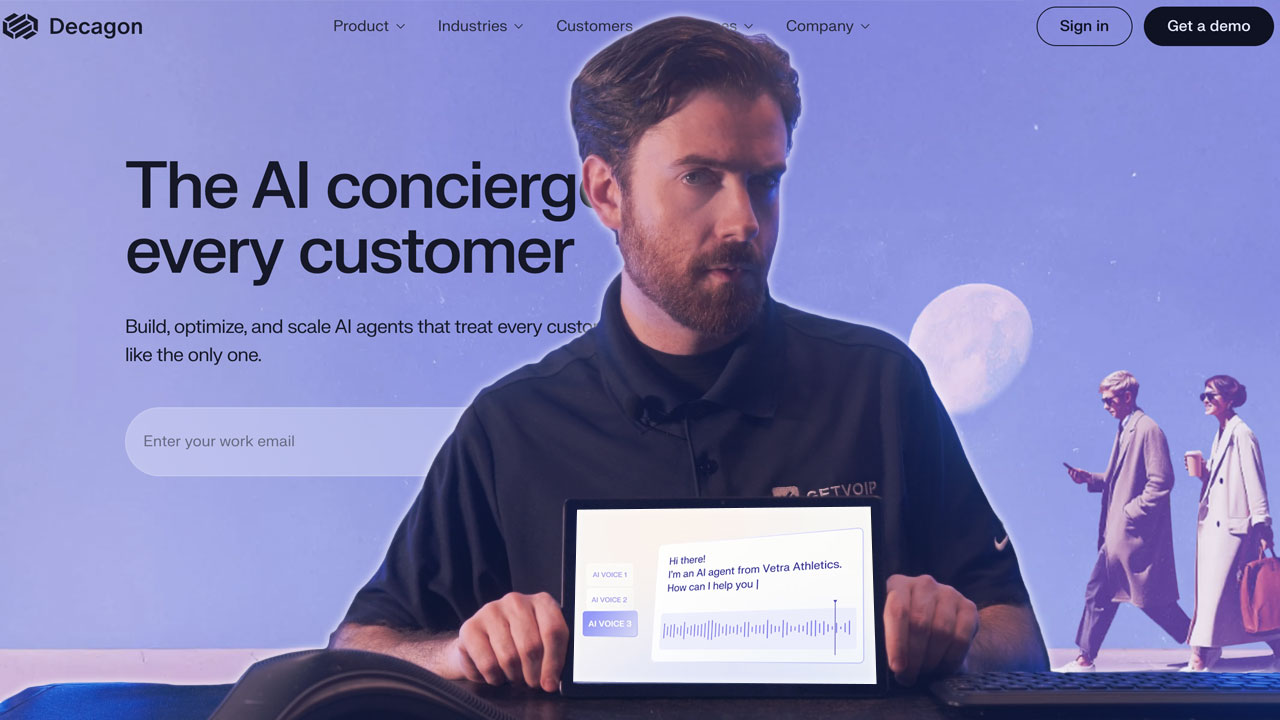
Decagon takes a modular approach to conversational AI, covering voice, chat, and email from one platform. The standout feature is Agent Operating Procedures (AOPs), which let CX teams write instructions in plain language that compile into executable workflows. No coding required, but the output is real, testable logic.
The platform includes a solid testing and QA suite with unit tests, integration checks, and simulation runs. This makes it easier to validate how your agents behave before they go live. Decagon also offers pricing flexibility with both per-conversation and per-resolution models, so you can pick whichever aligns better with how you measure success.
What We Like
- Agent Operating Procedures (AOPs): Write instructions in plain English and the platform turns them into working workflows.
- Flexible pricing: Choose between per-conversation or per-resolution billing depending on your priorities.
- Built-in testing suite: Validate agent behavior systematically before deployment.
- Omnichannel coverage: Voice, chat, and email with unified analytics.
What We Don't Like
- Resolution definitions matter: Per-resolution pricing requires clear agreement on what "resolved" means.
- Newer player: Less deployment history than established competitors.
- AOP learning curve: Teams used to traditional workflow builders may need time to adjust.
Pricing
Decagon offers per-conversation (fixed rate with volume discounts) and per-resolution (pay only for resolved conversations) models. Contact Decagon for specific rates.
Regal.ai
Best for: Sales and support teams with high call volumes requiring outbound and inbound voice automation
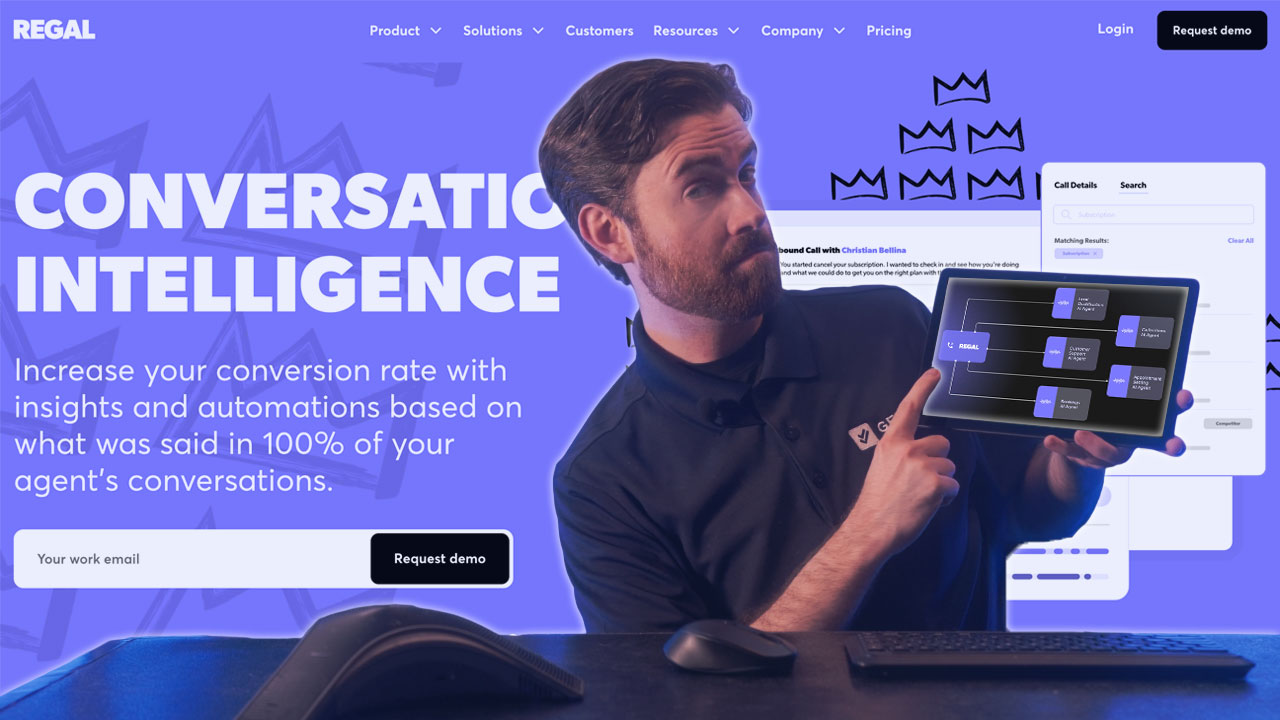
Regal.ai is built for phones. The platform handles both outbound and inbound calls with AI agents, plus SMS and chat. What impressed us most was the Conversation Intelligence module, which surfaces actionable data on call performance without requiring manual review.
The AI Voice Agent Builder lets you design, test, and deploy voice workflows without code. You also get a Unified Customer Profile that pulls context from previous interactions, so the AI isn't starting from scratch on every call. The platform targets organizations running 150,000+ calls monthly with 75+ agents, so it's built for scale.
Customer results highlight faster speed-to-lead and better lead qualification, which makes sense given Regal's focus on sales use cases.
What We Like
- Voice-first design: Purpose-built for phone interactions, including outbound sales.
- Unified Customer Profile: Context from past interactions makes conversations more relevant.
- Built-in A/B testing: Test different voice workflows to see what performs better.
- Conversation Intelligence: Get performance insights without listening to every call.
What We Don't Like
- High-volume focus: The 75+ agent and 150K+ call thresholds exclude smaller teams.
- Voice-heavy: If chat is your primary channel, you may need something else alongside it.
- Learning curve for analytics: The Conversation Intelligence tools take time to configure effectively.
Pricing
Regal.ai doesn't publish pricing. They offer discounts for higher spend and longer contracts. Contact them for quotes based on your call volume.
Retell AI
Best for: Small businesses and developer teams seeking transparent, low-barrier entry to conversational AI
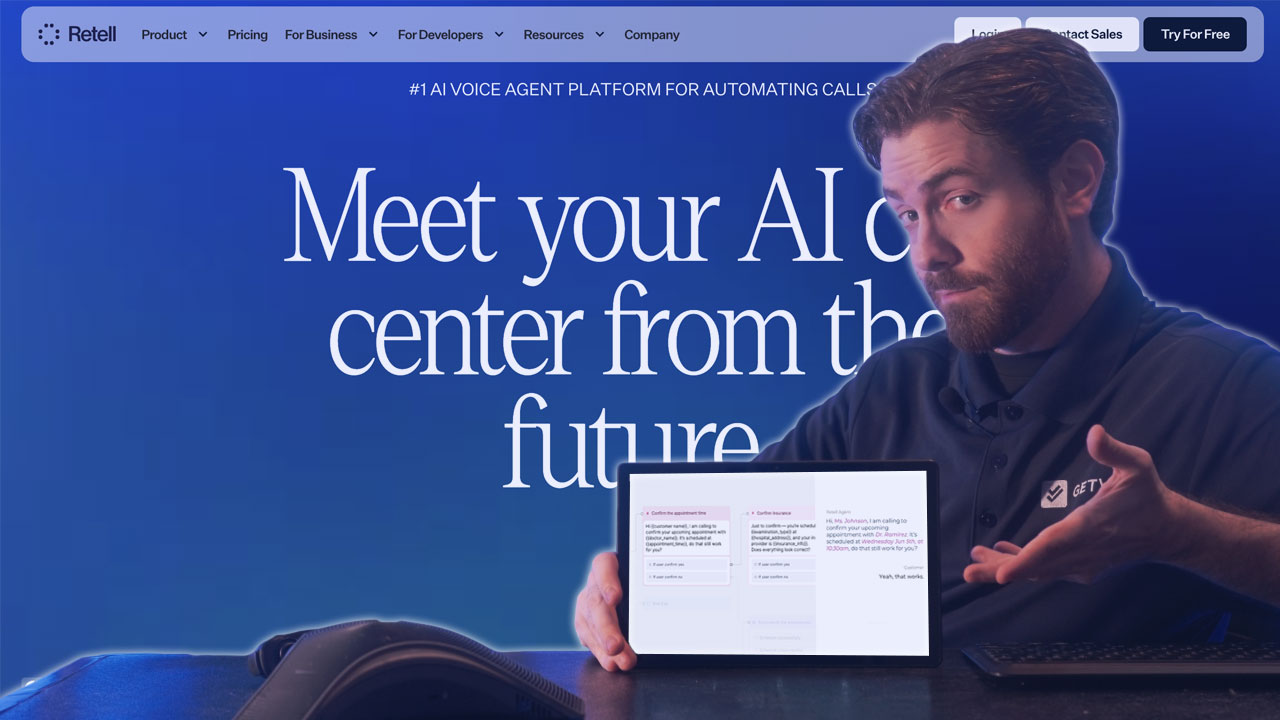
Retell AI makes it easy to get started. There's no platform fee, pricing is transparent ($0.07+ per minute for voice, $0.002+ per message for chat), and you get $10 in free credits to test things out. For small teams or developers building custom implementations, this removes most of the friction.
The platform includes pre-built functions, simulation testing, and support for multiple knowledge bases. Setup is straightforward, and you can see exactly what you'll pay before committing. Higher tiers add managed setup, custom deployment, and premium support for teams that need more hands-on help.
What We Like
- Transparent pricing: You know exactly what you'll pay. $0.07+ per minute for voice, $0.002+ per message for chat.
- No platform fee: Lower barrier for teams testing conversational AI.
- Free credits: $10 to start plus 20 concurrent calls included.
- Developer-friendly: Good fit for technical teams building custom solutions.
What We Don't Like
- Lighter documentation: Less publicly available detail compared to larger platforms.
- Advanced features cost more: Some capabilities require upgrading.
- Smaller vendor: May raise questions about long-term roadmap.
Pricing
Pay-as-you-go with no platform fee. Voice agents cost $0.07+ per minute, chat agents $0.002+ per message. Includes $10 free credits, 20 concurrent calls, and 10 knowledge bases. Higher tiers add custom deployment and premium support.
PolyAI
Best for: Organizations prioritizing voice channel quality with natural conversation handling across multiple languages
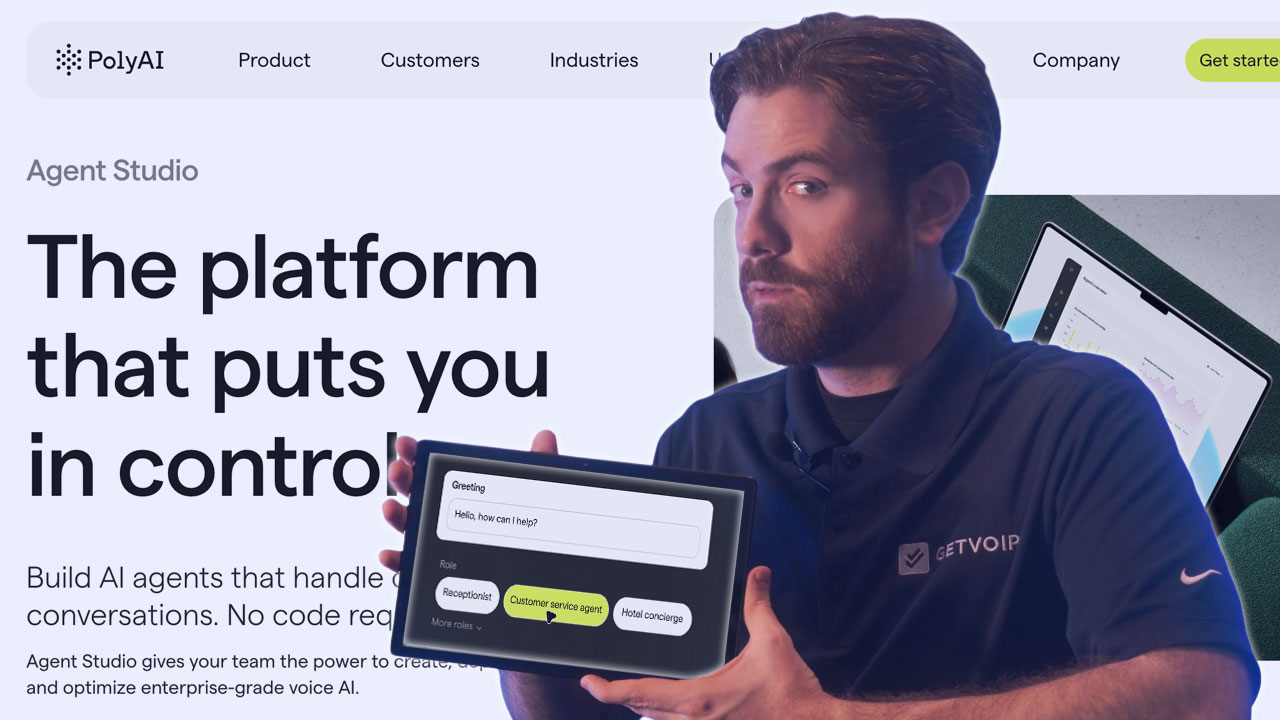
PolyAI built its own voice stack from scratch. The Raven LLM handles language understanding, Owl ASR manages speech recognition, and proprietary neural synthesis creates the voice output. This vertical integration pays off in call quality, especially with accents, background noise, and interruptions.
The platform supports 75+ languages and includes Agent Studio for building flows, Smart Analyst for querying conversation data, and Supervisor Suite for analytics. Setup typically takes around six weeks, which is longer than some competitors but reflects the depth of customization involved.
PolyAI holds ISO 27001 and SOC 2 certifications and offers a 99.9% uptime SLA.
What We Like
- Proprietary voice tech: Purpose-built speech recognition and synthesis handles real-world call conditions well.
- 75+ languages: Strong option for global deployments.
- All-inclusive pricing: Per-minute rates include support, monitoring, and ongoing upgrades.
- Smart Analyst: Query your conversation data using natural language.
What We Don't Like
- Longer setup time: Six-week deployment may not suit organizations requiring immediate launch.
- Voice-first architecture: May require additional effort for chat-primary use cases.
- Proprietary stack: May create vendor dependency concerns for some organizations.
Pricing
PolyAI uses per-minute pricing for voice agent usage. This includes 24/7 support, security, 99.9% uptime SLA, monitoring, ongoing upgrades, and access to the evolving technology stack. Contact PolyAI for specific per-minute rates.
Ada
Best for: High-volume support operations seeking significant automation rates with multilingual capabilities
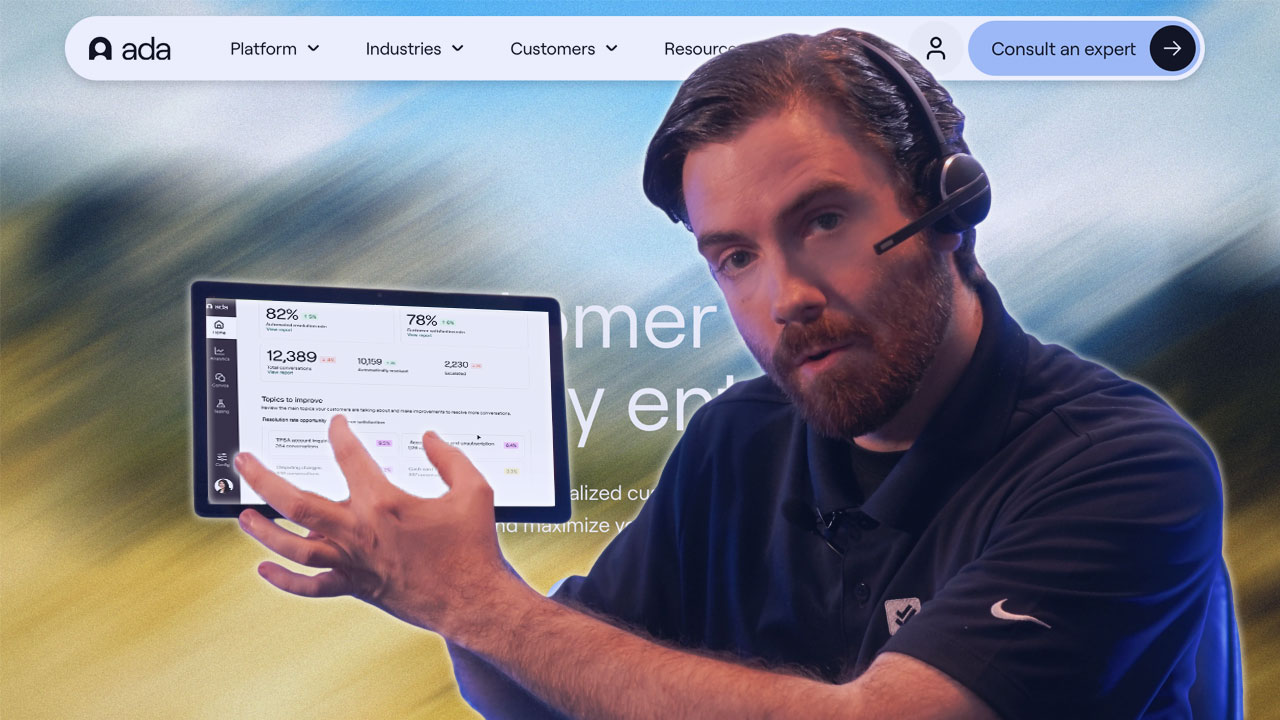
Ada's ACX platform is built around one goal: resolve customer inquiries without human involvement. The platform claims 80%+ automated resolution rates, and published case studies back this up with numbers like 84% resolution, 8-point CSAT improvement, and $2.7 million in annual savings.
The Reasoning Engine sits at the core, using multiple LLMs with guardrails to prevent hallucinations and keep responses on-brand. Ada covers voice, email, chat, and messaging with translation support for 50+ languages. The Performance Center handles agent building and optimization, while the Developer Toolkit provides APIs and SDKs for custom work.
Ada holds HIPAA, SOC 2, GDPR, and AIUC-1 certifications.
What We Like
- High automation rates: Published 80%+ resolution rates with documented customer outcomes.
- Multi-model Reasoning Engine: Provides flexibility in LLM selection with built-in guardrails.
- Comprehensive omnichannel support: Spans messaging, email, and phone with translation in 50+ languages.
- Strong optimization tools: Measurement and improvement loops help optimize agent performance over time.
What We Don't Like
- Usage-based pricing: May create cost unpredictability for organizations with variable interaction volumes.
- Configuration effort required: Platform depth may require significant setup to achieve published resolution rates.
- Voice capabilities less documented: Limited public information on voice-specific features compared to chat and messaging.
Pricing
Ada has usage-based pricing that includes multi-model reasoning, omnichannel support, persona controls, measurement tools, and secure integrations. Contact Ada for specific pricing tiers based on your volume and requirements.
Fin.ai
Best for: Support teams using Intercom, Zendesk, or Salesforce seeking rapid AI agent deployment
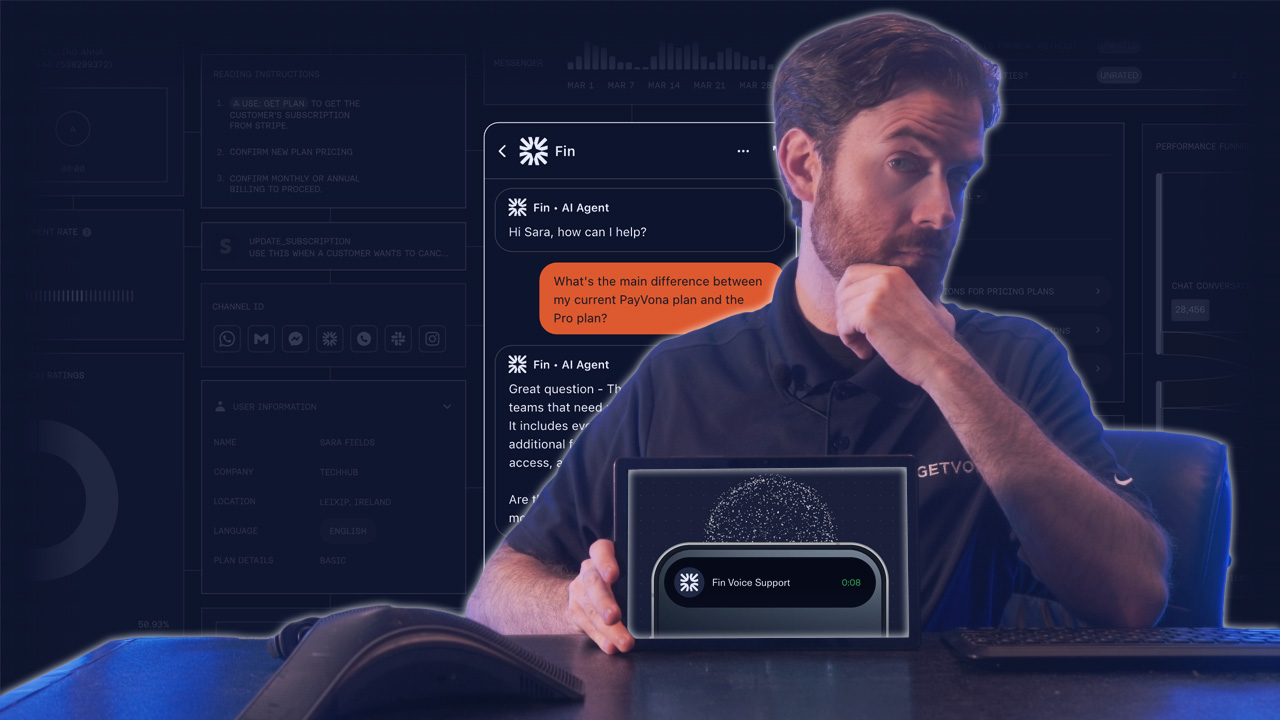
Fin is Intercom's AI agent, and it shows. If you're already on Intercom, Zendesk, or Salesforce, setup takes under an hour using your existing automations and reporting rules. The platform follows what Intercom calls the Fin Flywheel: Train (ingest your knowledge), Test (simulate conversations), Deploy (launch across channels), and Analyze (get AI-powered insights).
Fin handles voice, email, chat, and social channels. The tight integration with popular helpdesks means you're not rebuilding workflows from scratch. For teams already invested in these ecosystems, that's a significant advantage.
What We Like
- Deep helpdesk integration: Works with Intercom, Zendesk, and Salesforce for teams already using these platforms.
- Fin Flywheel methodology: Train-Test-Deploy-Analyze structure supports systematic agent improvement.
- Fast setup: Under one hour deployment reduces time-to-value for organizations with existing infrastructure.
- Cross-channel deployment: Supports voice, email, chat, and social channels from a unified platform.
What We Don't Like
- Platform dependency: Best value comes from being in the Intercom/Zendesk/Salesforce ecosystem.
- Bundled pricing: Costs are tied to Intercom plans, which adds complexity.
- Advanced setup takes effort: Cross-channel deployment beyond core use cases requires more configuration.
Pricing
Fin AI Agent is priced at $0.99 per resolution, with minimum commitments required. This applies whether using Fin with an existing helpdesk (Zendesk, Salesforce, HubSpot) or with Intercom's Helpdesk. When bundled with Intercom's Helpdesk, an additional $29 per helpdesk seat per month applies. A Copilot add-on for human agent assistance is available at $35 per user per month. A 14-day free trial is available.
Cognigy
Best for: Large contact centers seeking AI automation with proven scale and human agent augmentation
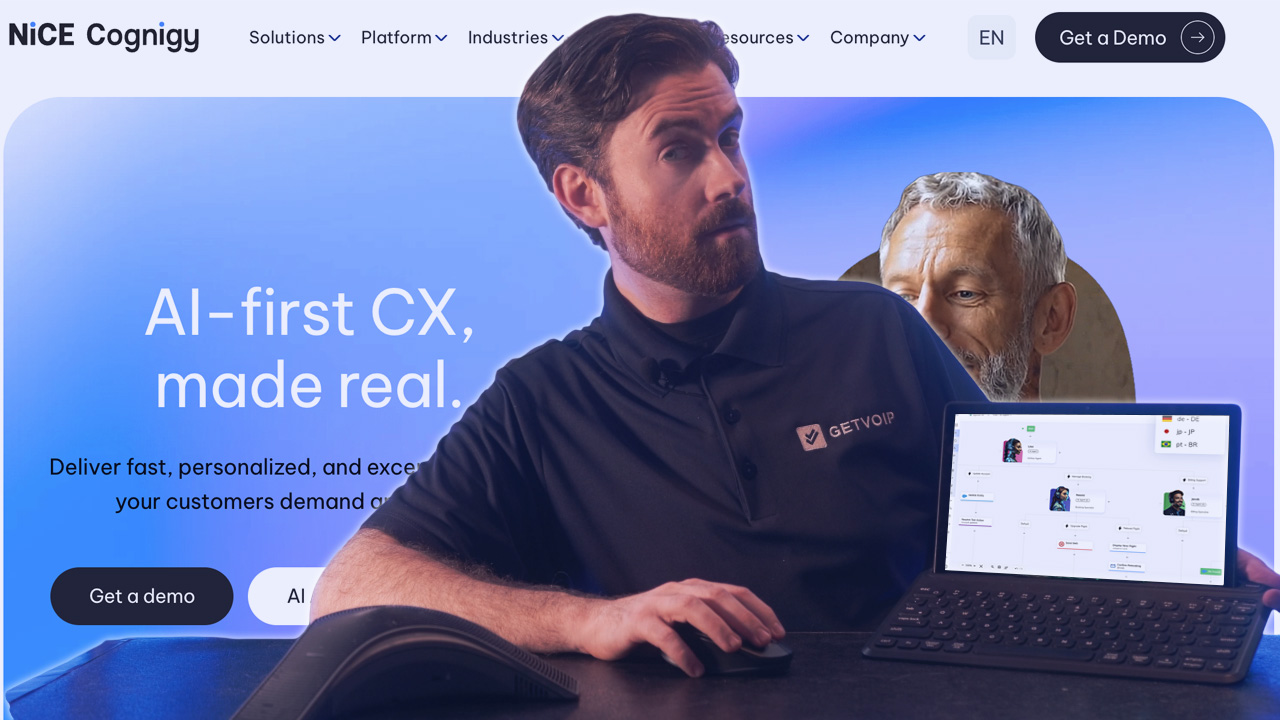
Cognigy, now part of NiCE, is purpose-built for contact centers. The platform handles phone, voice, chat, and messaging at scale, with published metrics from brands like Lufthansa (16 million automated conversations) and Toyota (25 AI agents handling 5 million interactions).
What makes Cognigy different is Agent Copilot. Instead of replacing human agents, it assists them with real-time coaching, automated wrap-ups, knowledge recommendations, and language support during live calls. This hybrid approach works well for organizations that want AI augmentation rather than full automation.
The platform reports 99% routing accuracy and 70% reduction in handle time. SOC 2 and HIPAA certifications are included.
What We Like
- Proven scale: Published metrics from major brands (Lufthansa, Toyota) demonstrate production reliability.
- Agent Copilot: Provides real-time human agent assistance, supporting hybrid operational models.
- Deep contact center integration: Reduces deployment friction with existing infrastructure.
- High routing accuracy: 99% published accuracy indicates mature intent recognition.
What We Don't Like
- Built for large operations: The platform targets high-volume contact centers, so smaller teams may find it oversized for their needs.
- Contact center focus: Less suited for general customer service or sales use cases outside the contact center.
- Steeper learning curve: The depth of features takes time to configure properly.
Pricing
Custom pricing based on deployment scope, channels, and integrations. Contact Cognigy directly.
Observe.AI
Best for: Contact centers prioritizing analytics and performance intelligence alongside AI automation
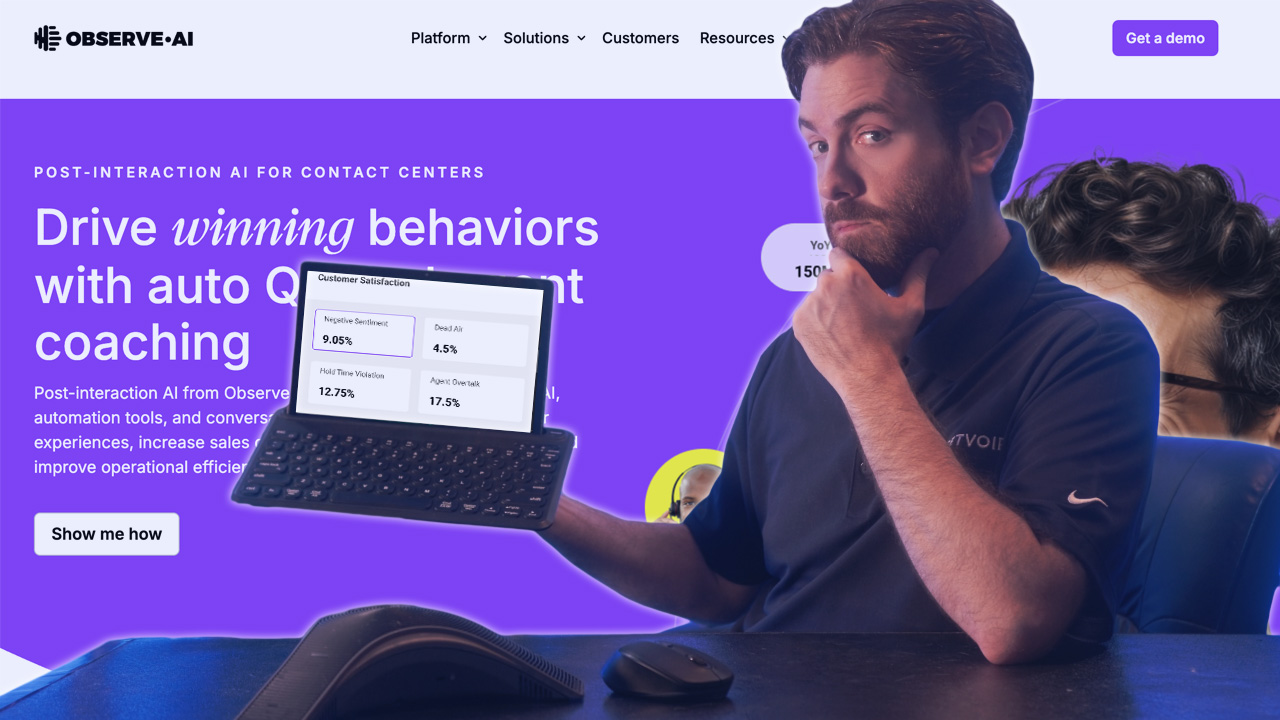
Observe.AI comes from a contact center analytics background, and that heritage shapes everything about the platform. VoiceAI Agents handle calls end-to-end with human-like conversations, routing complex issues to people when needed. ChatAI Agents cover authentication, issue resolution, and multi-channel interactions.
Where Observe.AI stands out is the analytics layer. The platform doesn't just automate calls; it helps you understand conversation patterns and agent performance at a level most competitors don't match. Customer testimonials from companies like Accolade highlight how VoiceAI handles routine questions while freeing human agents for complex work.
What We Like
- Analytics-first: Deep conversation analysis beyond what most AI platforms offer.
- Specialized agents: VoiceAI and ChatAI optimized for their respective channels.
- Human-like quality: Emphasis on preserving customer experience.
- Performance insights: Data-driven optimization for both AI and human agents.
What We Don't Like
- Contact center focus: Less applicable if you're not running a traditional contact center.
- Dual positioning: The platform spans AI agents and analytics, which can make it unclear what you're primarily buying.
- Learning curve on analytics: Getting full value from the intelligence features takes time.
Pricing
Observe.AI pricing requires direct engagement. The platform targets contact centers seeking AI agents with strong analytics and performance intelligence capabilities.
Rasa
Best for: Organizations with technical teams requiring full control over conversational AI logic and deployment
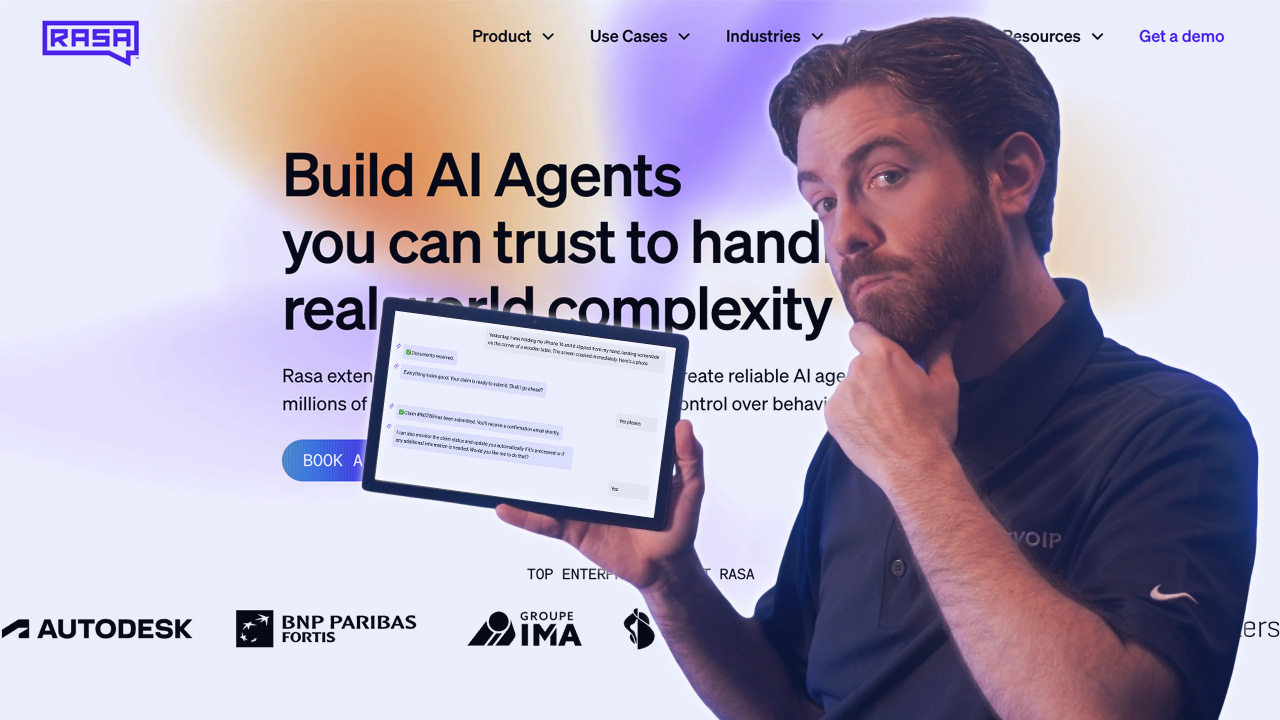
Rasa gives developers complete control. You decide when and how LLMs get used, how conversations flow, and where the platform runs. The open-source core means you can evaluate and build before paying anything.
The CALM methodology (Conversational AI with Language Models) combines LLM flexibility with deterministic guardrails to prevent hallucinations. If your conversations need predictable behavior in certain scenarios, you can enforce that. The platform supports on-premise deployment for organizations with data sovereignty requirements, and voice infrastructure delivers sub-second latency with interruption handling.
What We Like
- Full developer control: Complete control over LLM usage, conversation logic, and deployment architecture.
- On-premise deployment option: Addresses data sovereignty and security requirements.
- CALM methodology: Combines LLM flexibility with deterministic guardrails to prevent hallucinations.
- Open-source core: Allows evaluation and development before paid commitment.
What We Don't Like
- Requires technical resources: Not a no-code solution. You need developers.
- More implementation work: The flexibility that makes Rasa powerful also means more setup time.
- Fewer pre-built integrations: You may need to build custom connections for tools that other platforms support out of the box.
Pricing
Rasa offers an open-source core with paid extensions. The open-source version is free, while commercial pricing requires direct engagement. This allows organizations to evaluate and develop before committing to paid tiers.
Gladly
Best for: Brands prioritizing customer relationships and lifetime value over deflection metrics
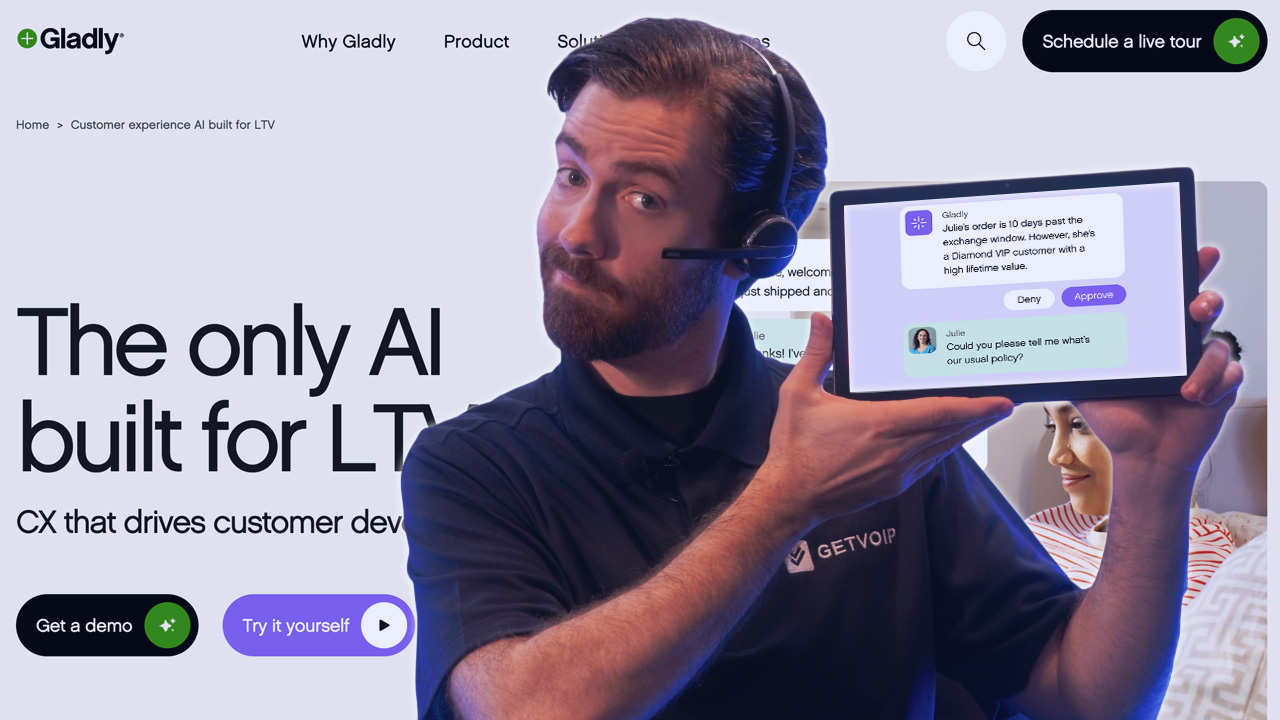
Gladly takes a different approach. Instead of measuring success by how many calls get deflected, the platform focuses on customer lifetime value. It treats customers as people rather than tickets, maintaining continuous conversation history across voice, chat, SMS, email, and social.
The Guides feature lets CX teams write instructions in plain English to teach the AI your brand voice. No coding needed. Voice AI handles real actions like booking and returns, hands off to agents with full context when needed, and can send proactive SMS follow-ups.
Gladly reports 240 million conversations powered by the platform. Brands like Nordstrom highlight the relationship-building capabilities.
What We Like
- Customer LTV focus: Differentiates from deflection-oriented automation approaches.
- No-code Guides: Enable CX teams to configure AI behavior in plain English.
- Continuous conversation history: Unified customer context across all channels.
- Human collaboration model: Preserves agent involvement with full context when needed.
What We Don't Like
- Less focus on pure automation: Not built to minimize human involvement at all costs.
- Relationship-focused positioning: May not align with organizations prioritizing automation rates.
- Organizational alignment required: Platform philosophy may require buy-in on customer-centric metrics.
Pricing
Gladly pricing requires direct sales engagement. The platform targets organizations prioritizing customer lifetime value and relationship-building over pure automation metrics.
Assembled
Best for: Organizations seeking unified management of human, BPO, and AI support agents
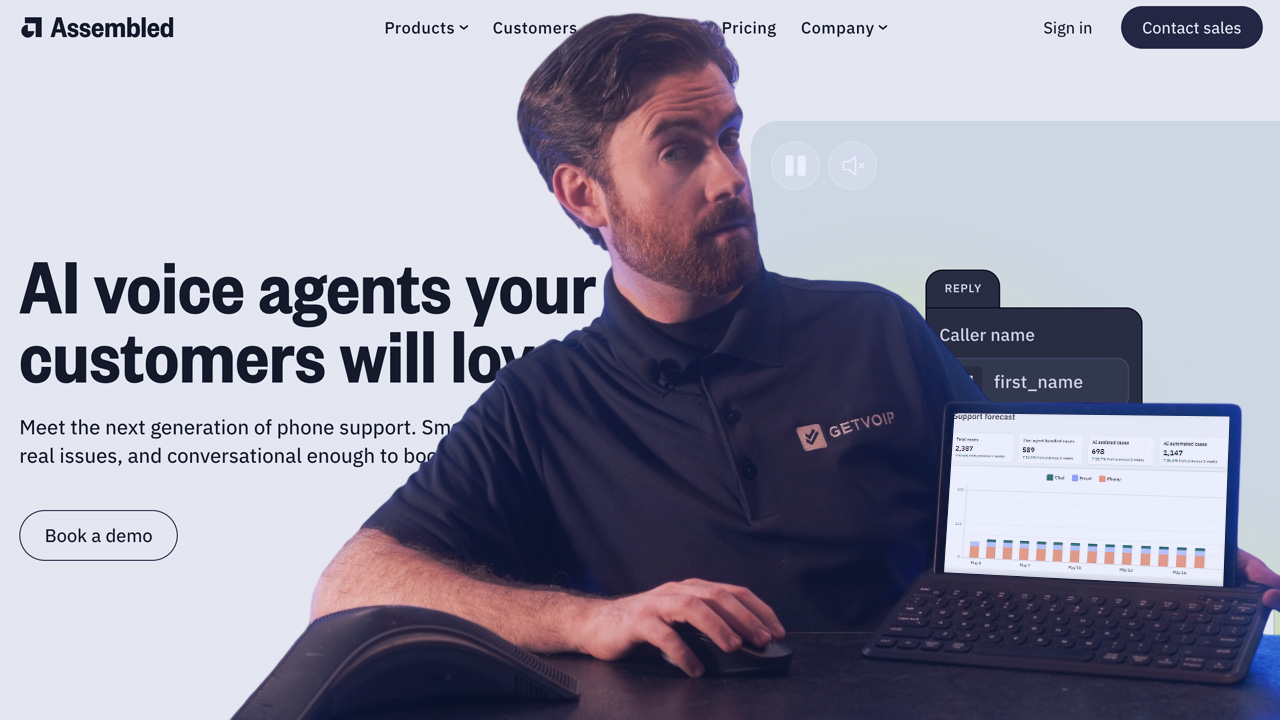
Assembled solves a specific problem: managing your entire support operation, whether that's in-house agents, BPO partners, or AI, from a single platform. AI Workforce Management handles scheduling, forecasting, and real-time analysis. AI Agents cover chat, email, SMS, and voice. AI Copilot assists human agents during interactions.
The AI Chat Agent reports up to 70% case resolution, and published stats show 68% of consumers rate AI chat as matching human expertise. The platform includes no-code workflow builders, pre-built integrations, and QA tools to keep responses consistent.
What We Like
- Unified platform: Manages human, BPO, and AI agents within single operational framework.
- AI Workforce Management: Provides scheduling, forecasting, and real-time analysis across all agent types.
- No-code workflow builder: Pre-built integrations accelerate deployment.
- On-brand customization: QA capabilities ensure response consistency with organizational standards.
What We Don't Like
- May be more than you need: If you only want AI automation without workforce management, this adds complexity.
- Broad platform: The unified approach can feel overwhelming for teams with narrow use cases.
- Best value at scale: Smaller teams may not get full benefit from the workforce management features.
Pricing
Assembled pricing requires direct engagement. The platform targets organizations seeking unified management across human, BPO, and AI agents.
Yellow.ai
Best for: Global businesses requiring rapid deployment with extensive pre-built integrations and multi-LLM flexibility
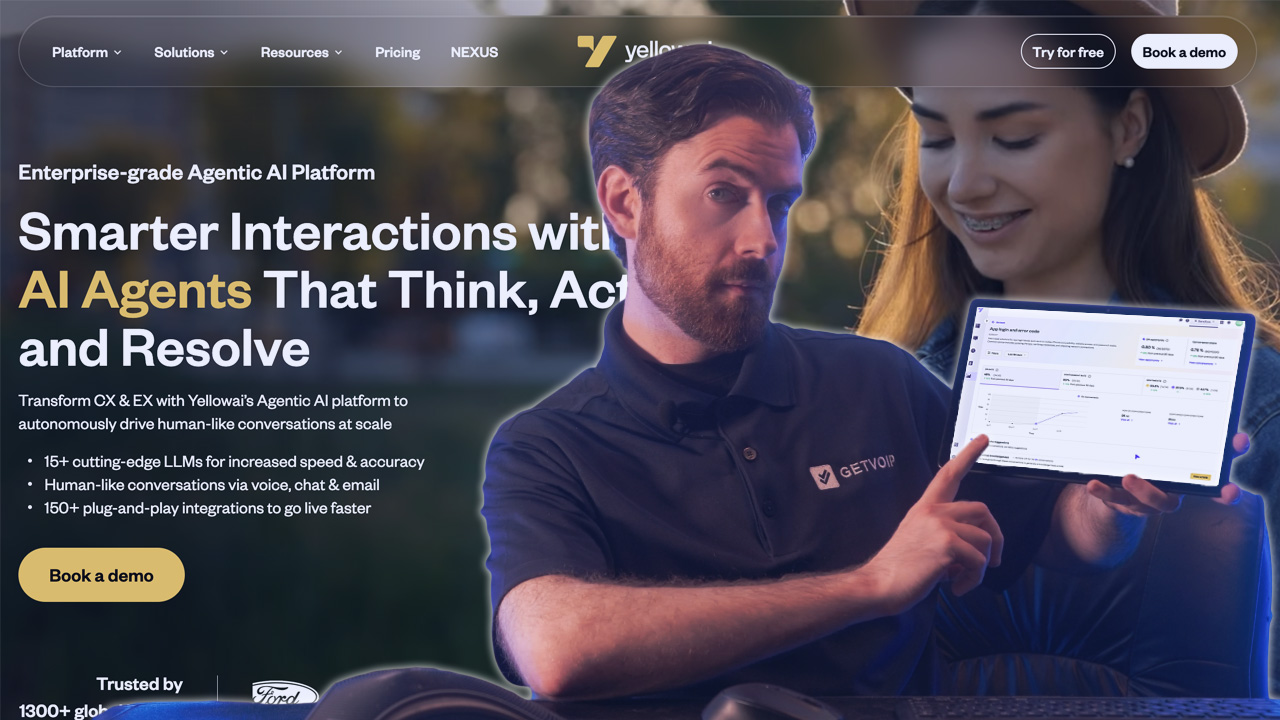
Yellow.ai stands out for two reasons: speed and integrations. The platform includes 150+ pre-built connections to systems like Salesforce, Zendesk, and Genesys, which cuts deployment time significantly. The freemium tier lets you test with 5,000 conversations before committing.
Under the hood, a multi-LLM architecture lets you pick optimal models for specific tasks with fallback chains and guardrails. The platform handles voice, chat, documents, images, and video while maintaining context across channels.
Yellow.ai holds HIPAA, ISO 27001, ISO 27017, and SOC 2 Type II certifications. Customer results include 70% automated interactions and 92% CSAT scores after six-week deployments.
What We Like
- Multi-LLM architecture: Enables task-specific model selection with fallback chains, avoiding vendor lock-in.
- Extensive integration ecosystem: 150+ pre-built integrations accelerate deployment.
- Freemium tier available: Allows evaluation before paid commitment.
- Dynamic analytics: Generate knowledge base articles and optimize responses in real-time.
What We Don't Like
- Freemium limitations: 5,000 monthly conversations and two channels may restrict meaningful evaluation for larger organizations.
- Module-based pricing complexity: Premium pricing structure adds complexity to cost estimation.
- Configuration complexity: Platform breadth may require significant setup for focused use cases.
Pricing
Yellow.ai offers Freemium and Premium plans. Freemium includes 5,000 monthly bot conversations, FAQ module, unlimited agent seats, 500 chat/email tickets, and two channel integrations. Premium pricing is custom with module-based charges for Monthly Reached Users (MRU) and WhatsApp usage.
Synthflow.ai
Best for: Businesses requiring control over telephony infrastructure and deployment regions with comprehensive compliance
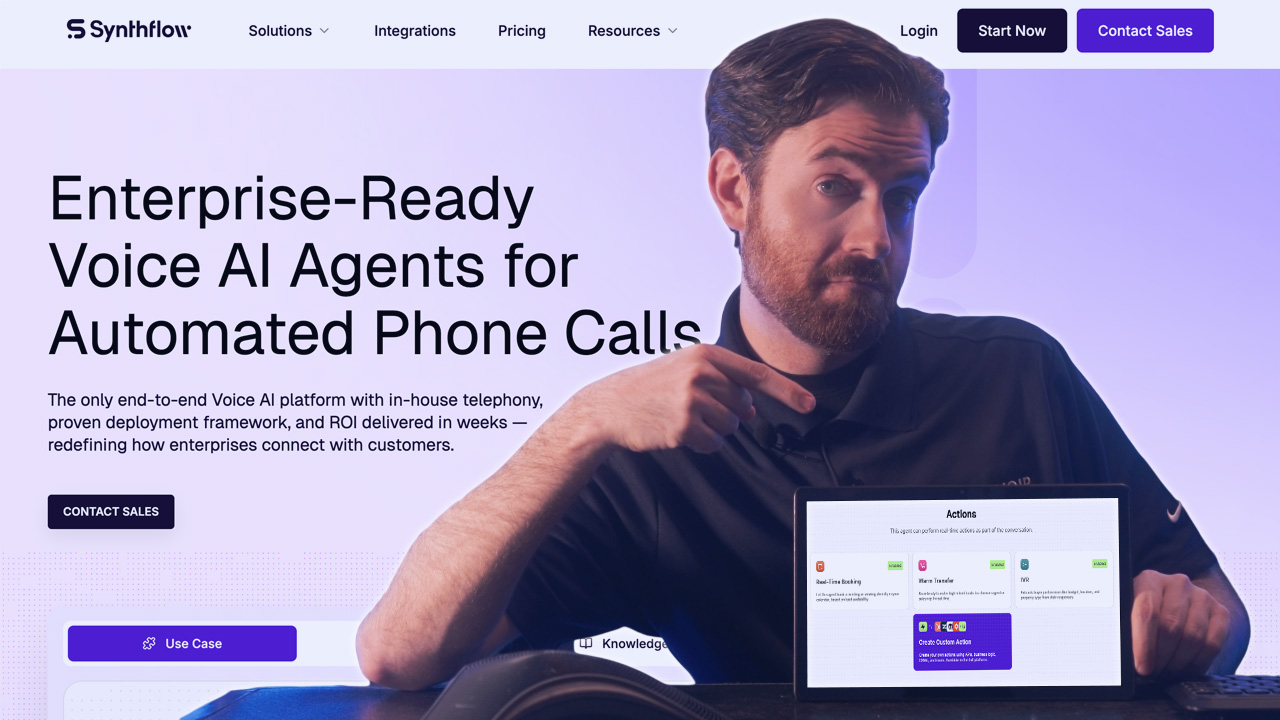
Synthflow.ai built its own telephony infrastructure, and that's the key differentiator. You can deploy voice in specific regions, connect your own carriers or SIP trunks, and integrate with existing phone systems. For organizations that need network-level control, this matters.
The BELL framework (Build, Evaluate, Launch, Learn) structures the entire agent lifecycle. You get a multi-agent system for modular voice flows, an AI sandbox for testing, real-time monitoring, and data fine-tuning. The platform also covers chat, SMS, email, and WhatsApp.
Synthflow holds SOC 2, HIPAA, PCI DSS, and GDPR certifications. Customer metrics include 65% routine call automation and 75% reduction in wait times.
What We Like
- In-house telephony infrastructure: Provides control over network, latency, and deployment regions.
- BELL framework: Structures the complete agent lifecycle from build through continuous learning.
- Bring-your-own-carrier (BYOC): Supports existing telephony stack integration.
- Comprehensive compliance: SOC 2, HIPAA, PCI DSS, and GDPR certifications address regulated industry requirements.
What We Don't Like
- Platform complexity: May exceed requirements for straightforward voice automation needs.
- Variable cost components: Pay-as-you-go pricing with $20 per reserved concurrency adds complexity.
- Telephony focus: May require supplementary solutions for chat-primary deployments.
Pricing
Synthflow offers Pay-as-you-go and higher-volume plans.
Pay-as-you-go is free to start with usage-based billing, 5 concurrent calls then $20 per reserved concurrency, SOC 2/GDPR/ISO 27001 compliance, and unlimited agents/APIs/integrations. Higher-volume plans (over 10K minutes per month) include 99.99% uptime SLA, SIP trunking, white-label toolkit, and priority support.
What Is a Conversational AI Platform?
A conversational AI platform lets you deploy AI agents that talk to customers through voice, chat, messaging, or email. These platforms understand natural language, remember context across a conversation, and can actually do things like book appointments or process orders.
The core capabilities include:
- Natural language understanding: Figures out what people mean, not just what they say
- Multi-turn conversations: Remembers context so customers don't repeat themselves
- Action execution: Books appointments, looks up orders, processes requests
- Smart escalation: Hands off to humans with full context when needed
- Analytics: Shows you what's working and where to improve
The latest evolution is agentic AI, where platforms don't just respond to requests but autonomously complete multi-step tasks across different systems. That's what's driving adoption right now.
How to Choose the Right Conversational AI Platform
There's no single best platform. The right choice depends on what you need and where you're starting from. Here's a step-by-step guide on choosing the right platform.
Step 1: Define the problem you're solving
Before looking at any platform, get clear on why you need conversational AI. Are you trying to reduce call volume? Extend support hours? Cut costs? Improve consistency? Handle a language your team doesn't speak?
Write down your top 2-3 use cases in specific terms. "Automate appointment booking for our dental practice" is useful. "Improve customer experience" is not.
Step 2: Document your current state
Gather the numbers you'll need to evaluate options and measure success later:
- Monthly conversation volume (calls, chats, emails)
- Average handle time
- Most common inquiry types (aim for top 10)
- Current cost per conversation
- Tools you use today (CRM, helpdesk, calendar, phone system)
- Languages you need to support
- Hours you need coverage
This data will drive every decision that follows.
Step 3: Set hard requirements and budget
Some requirements are non-negotiable. Identify yours upfront so you can eliminate platforms that don't qualify before wasting time on demos.
Hard filters typically include:
- Compliance certifications (HIPAA for healthcare, PCI DSS for payments, GDPR for EU data)
- Deployment model (cloud-only vs. on-premise option)
- Specific integrations that must work on day one
- Budget ceiling
If a platform fails any hard requirement, it's out. Don't let a good sales pitch change this.
Step 4: Build a shortlist of 3-5 platforms
Using your requirements, narrow the field to platforms that could realistically work. Don't evaluate more than five in detail -- you'll get decision fatigue and the differences will blur.
Match platform strengths to your priorities:
- High call volume with simple inquiries -- look at per-resolution pricing (Sierra, Fin.ai)
- Developer team wanting full control -- consider Rasa
- Need to launch fast with existing helpdesk -- check Fin.ai, Yellow.ai
- Voice-heavy with multiple languages -- evaluate PolyAI
- Small team, low budget -- start with Retell AI or Yellow.ai freemium
Step 5: Test conversation quality with real scenarios
Request trials or demos and test with your actual customer inquiries -- not the vendor's scripted examples. Pull 10-15 real questions from your support logs, including:
- Common requests (the easy stuff)
- Ambiguous phrasing (how real people talk)
- Multi-part questions
- Edge cases that trip up your team
If the AI sounds robotic, misunderstands basic requests, or can't recover from confusion, move on. Conversation quality is the hardest thing to fix later.
Step 6: Validate integrations and setup requirements
Before committing, confirm:
- Your critical integrations actually work (not just "supported" -- test them)
- What data migration or knowledge base setup is required
- Who handles configuration (you, the vendor, or paid services)
- Realistic timeline to go live
- What ongoing maintenance looks like
Ask vendors for references in your industry and actually call them. Ask what surprised them and what they'd do differently.
Step 7: Run a pilot with clear success metrics
Don't roll out company-wide on day one. Pick one use case, define success metrics upfront, and test with real customers for 2-4 weeks.
Metrics to track:
- Resolution rate (conversations handled without human escalation)
- Customer satisfaction (post-conversation survey)
- Escalation rate and reasons
- Average handle time vs. human baseline
- Cost per conversation
If the pilot fails to hit targets, you've learned something valuable without a major commitment. If it succeeds, you have data to justify broader rollout.
Step 8: Negotiate and plan implementation
Once you've selected a platform:
- Push for multi-year discounts if you're confident in the choice
- Clarify what happens to your data if you leave
- Get SLAs for uptime and support response in writing
- Plan the rollout in phases rather than all at once
- Assign an internal owner responsible for ongoing optimization
Making the Right Choice
A few final thoughts:
- Start where you are: If you're new to conversational AI, pick something simple with fast setup. You can always switch later. If you have technical resources and specific requirements, developer-centric platforms give you more control.
- Pilot first: Don't roll out company-wide on day one. Pick a specific use case, set clear metrics, and test with real conversations. Most failures happen when teams skip this step.
- Plan for humans: Even the best AI needs escalation paths. Make sure your platform hands off cleanly and gives agents full context. Your customers will notice if it doesn't.